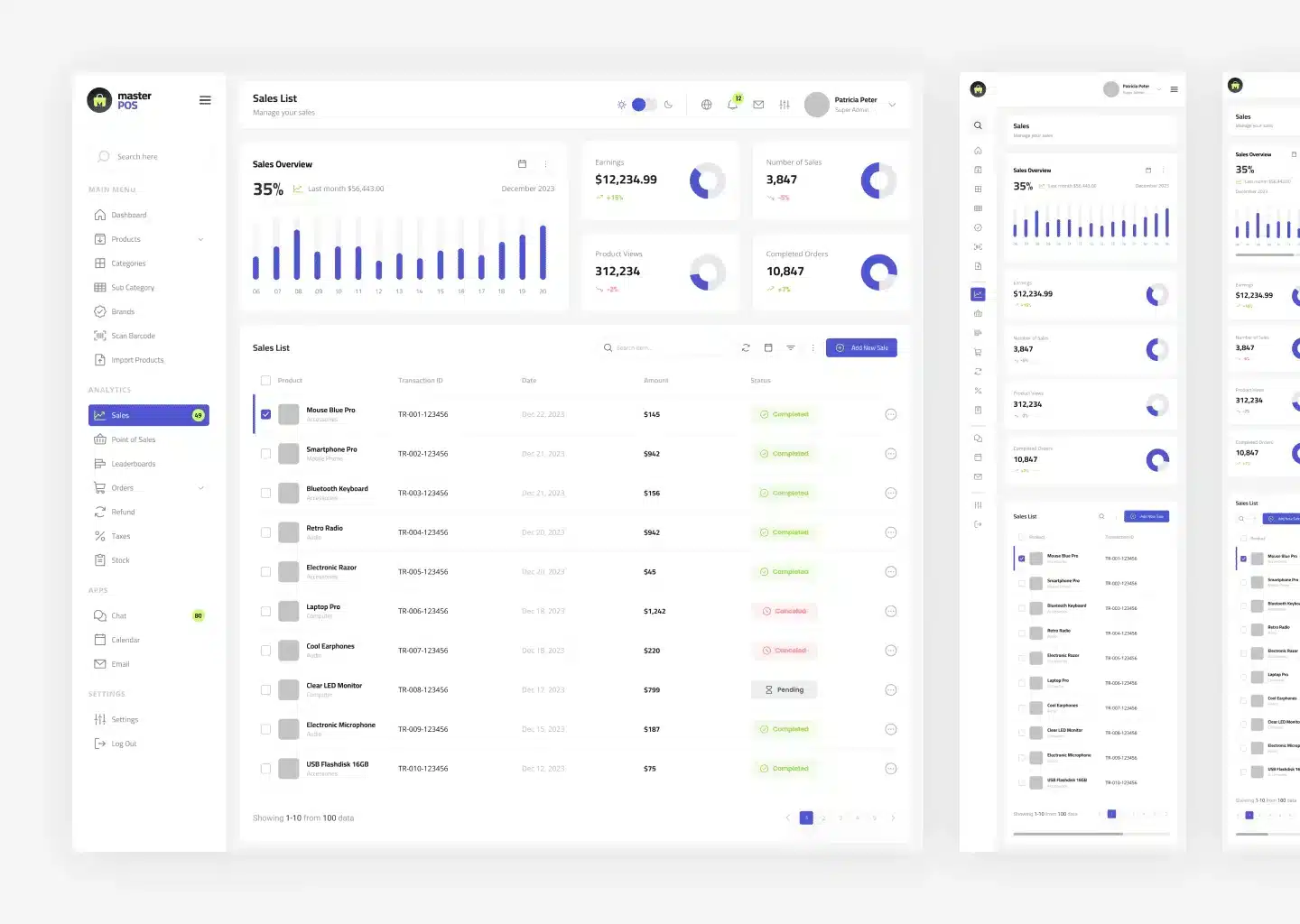
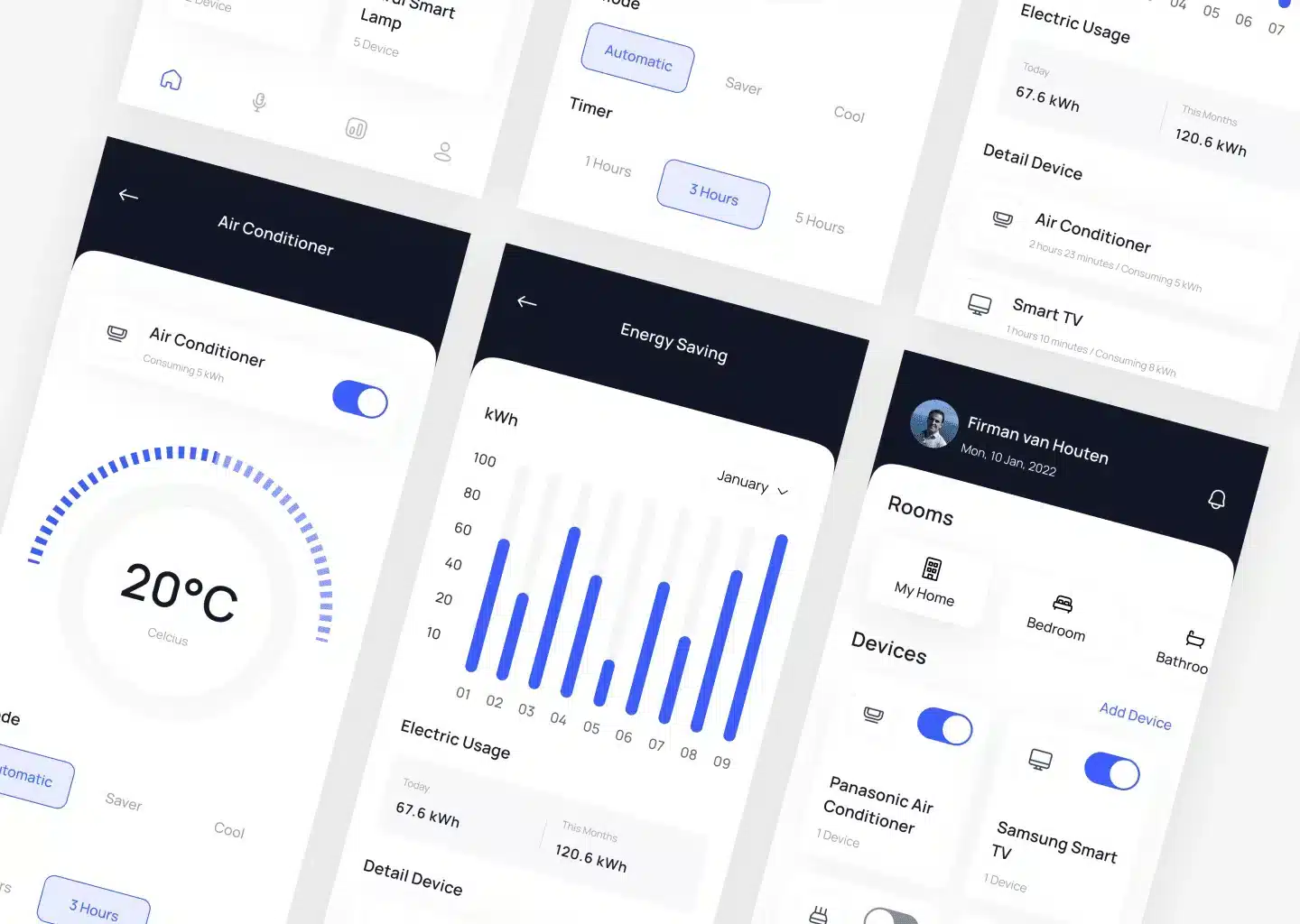
I use a variety of professional tools that enable me to produce high-quality and efficient designs.
Figma
Figma allows me to work effectively with clients and teams. It is particularly useful for projects that require quick feedback and revisions.
95%
Sketch
A highly popular tool among UI/UX designers, Sketch offers various features that help create precise and consistent designs.
85%
Adobe illustrator
For creating illustrations, and other graphic elements, Adobe Illustrator is my go-to tool. It provides flexibility and complete control in vector design.
90%
Photoshop
An indispensable tool for image editing and photo manipulation, Photoshop is often used to refine images and add striking visual effects.
80%
InVision
I use InVision to present prototypes and gather client feedback. This tool helps visualize how designs will look and function when implemented.
80%
Zeplin
Zeplin assists in handing off designs to the development team, ensuring that every design detail is accurately translated into code.
75%
Work Experiences
My professional journey in user interface design.
Over the past few years, I have built a robust career in the world of UI design, working with a diverse range of clients and challenging projects.
We use cookies to improve your experience on this website. You may choose which types of cookies to allow and change your preferences at any time. Disabling cookies may impact your experience on this website. You can learn more by viewing our Cookie Policy.